30 Apr 2026
Filmora vs Adobe Premiere Pro – Comparison
Video editing has become an essential skill for businesses, marketing teams, educators, and content creators. Whether creating marketing videos, YouTube content, training materials, or educational tutorials, the right video editing software can make a significant difference in productivity and quality.
Two popular tools that often come up in discussions are Wondershare Filmora and Adobe Premiere Pro. Both platforms offer powerful editing capabilities, but they are designed for different types of users and workflows.
Overview
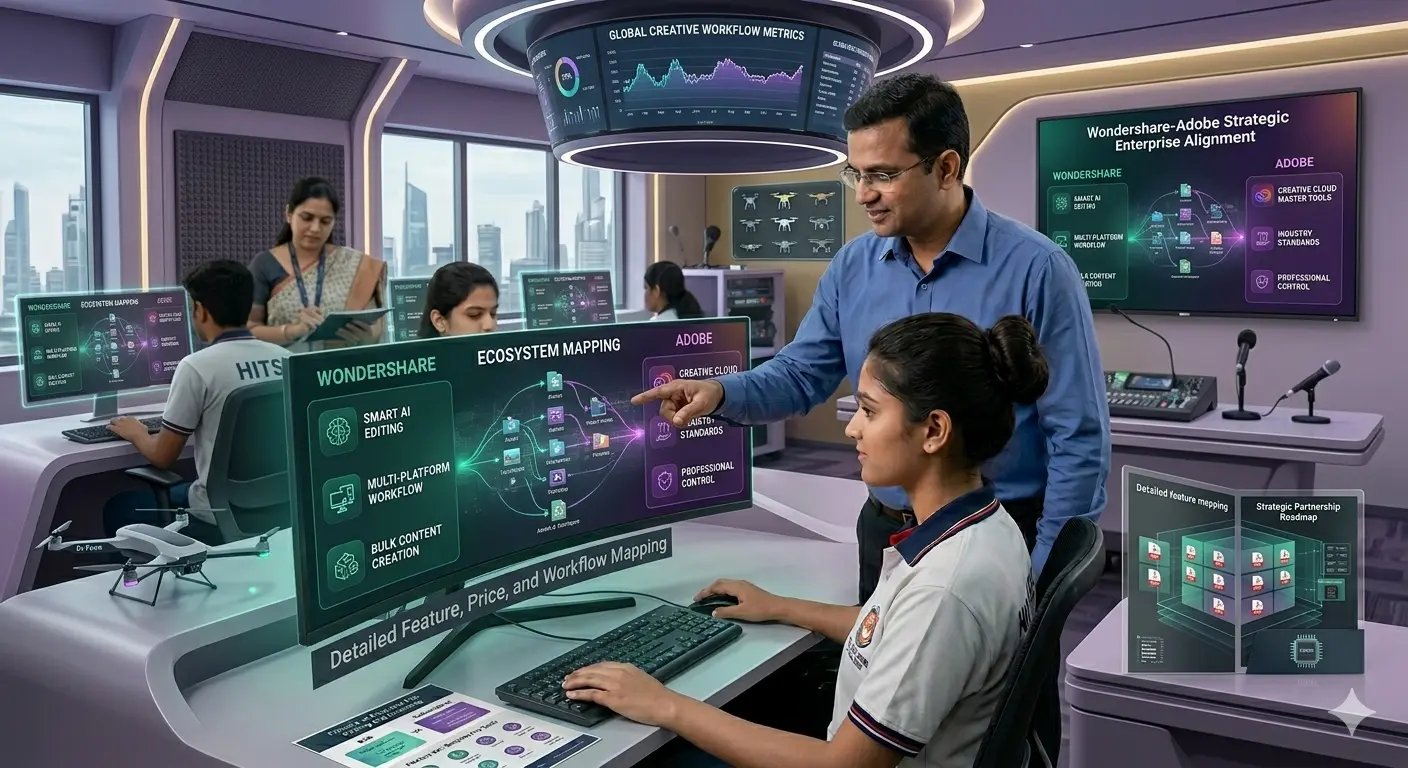
This guide provides a detailed comparison of Filmora and Adobe Premiere Pro, including features, usability, pricing, and suitability for businesses and educational institutions. By understanding the differences between these tools, organizations can choose the video editing solution that best fits their needs.
If you are exploring video editing tools for teams or institutions, you can also read our Complete Guide to Wondershare Software for Businesses & Institutions in India, which explains how organizations use tools like Filmora and PDFelement in professional environments.
Overview of Filmora and Adobe Premiere Pro
Before comparing the tools in detail, it is important to understand their core purpose.
What Is Wondershare Filmora?
Filmora is a user-friendly video editing software developed by Wondershare. It is designed for beginners, educators, marketing teams, and small businesses that want professional-quality videos without the complexity of advanced editing platforms.
Filmora offers a simple drag-and-drop interface, built-in templates, AI-powered editing tools, and a large library of transitions and effects.
Because of its simplicity and affordability, Filmora is widely used for:
- social media content
- marketing videos
- educational tutorials
- YouTube videos
- training materials
Educational institutions also prefer Filmora because it allows students to learn video editing quickly. Our article Best Video Editing Software for Colleges in India explains why Filmora is widely used in academic media labs.
What Is Adobe Premiere Pro?
Adobe Premiere Pro is a professional video editing software used by filmmakers, production studios, and advanced video editors.
It is part of the Adobe Creative Cloud ecosystem and offers advanced tools for video editing, color grading, audio mixing, and post-production workflows.
Premiere Pro is commonly used in:
- film production
- professional video editing
- television broadcasting
- large-scale content production
However, the software has a steeper learning curve and often requires professional training.
Filmora vs Adobe Premiere Pro: Ease of Use
Ease of use is one of the most important factors when choosing video editing software, especially for teams that do not have professional video editors.
Filmora: Designed for Simplicity
Filmora is built with beginners and everyday users in mind. The interface is intuitive and allows users to start editing videos almost immediately.
Key advantages include:
- drag-and-drop editing timeline
- pre-built transitions and effects
- simple export settings
- minimal learning curve
Even users with no editing experience can produce professional videos within a short time.
For businesses creating internal training videos or marketing content, this simplicity is a major advantage.
Premiere Pro: Professional-Level Complexity
Adobe Premiere Pro offers advanced editing capabilities but requires a deeper understanding of video editing techniques.
Features like multi-camera editing, professional color grading, and advanced audio tools are powerful but can be overwhelming for beginners.
Most Premiere Pro users require training or prior editing experience.
Ease of Use Verdict
Filmora is significantly easier to learn and use, making it ideal for beginners, educators, and business teams.
Feature Comparison
Both tools offer powerful video editing features, but they are designed for different levels of production.
Filmora Features
Filmora focuses on speed, creativity, and accessibility.
Key features include:
- drag-and-drop video editing
- AI tools such as background removal and auto subtitles
- built-in music and effects library
- screen recording capabilities
- ready-to-use templates
These features make Filmora a great option for organizations that need quick and efficient video production.
Businesses comparing editing tools may also find it helpful to read Filmora vs DaVinci Resolve – Which Is Easier? to understand how Filmora compares with another popular editing platform.
Premiere Pro Features
Adobe Premiere Pro includes advanced professional tools such as:
- advanced color grading
- professional audio editing
- motion graphics integration
- multi-camera editing
- integration with Adobe After Effects and Photoshop
These features make Premiere Pro suitable for large-scale video production and professional filmmaking.
However, many of these features may be unnecessary for everyday business use.
All-in-One Simplicity vs Multi-Tool Workflow
Filmora simplifies video creation by providing everything in one platform:
- Built-in effects and templates
- Editing tools in a single interface
- No need for additional software
Adobe Premiere Pro often requires:
- After Effects for motion graphics
- Audition for audio editing
- Other Creative Cloud tools
This means users rely on multiple applications for complete workflows.
For beginners and business teams, Filmora’s all-in-one approach reduces complexity and speeds up production.
Performance and Workflow
Performance and editing workflow are important considerations for teams producing regular video content.
Filmora Workflow
Filmora allows users to edit videos quickly with minimal setup.
Editors can import footage, apply effects, add transitions, and export finished videos within minutes.
This workflow is ideal for:
- social media teams
- marketing departments
- educators creating lecture videos
- YouTube creators
Premiere Pro Workflow
Premiere Pro workflows are designed for complex projects involving multiple editors, professional cameras, and large media libraries.
While powerful, this workflow is often slower and more complex for everyday editing tasks.
Lightweight Performance vs High-End System Requirements
System requirements play a major role in software adoption.
Filmora:
- Lightweight and optimized for mid-range systems
- Runs efficiently on standard laptops
- Suitable for classrooms and business teams
Adobe Premiere Pro:
- Requires high-performance hardware
- Needs advanced GPU and higher RAM
- Increases infrastructure costs for organizations
This makes Filmora more accessible for a wider range of users.
Pricing Comparison
Pricing plays an important role for businesses and educational institutions choosing software.
Filmora Pricing
Filmora offers affordable pricing plans and flexible licensing options.
Organizations can purchase:
- Individual licenses
- Corporate licenses
- Institutional licenses
This makes Filmora accessible for small businesses and universities.
Companies that require multiple licenses can also explore Bulk Software Licensing for Companies in India to understand enterprise purchasing options.
Premiere Pro Pricing
Adobe Premiere Pro uses a subscription-based pricing model through Adobe Creative Cloud.
While the software offers powerful capabilities, the monthly subscription cost can become expensive over time, especially for teams with multiple users.
Cost Advantage of Filmora Over Adobe Premiere Pro
Cost is one of the most important decision factors for businesses and institutions.
- Filmora can be up to 70% more cost-effective compared to Adobe Premiere Pro
- Adobe requires continuous subscription payments
- Filmora offers more flexible pricing options, including one-time purchase (in some plans)
For organizations deploying multiple licenses, this difference significantly reduces long-term software expenses.
Best Software for Businesses
Many companies today require video editing tools for marketing, internal training, and communication.
For most businesses, Filmora provides the right balance between functionality and ease of use.
It allows teams to produce professional videos quickly without hiring professional editors or spending months learning complex software.
Best Software for Educational Institutions
Educational institutions need tools that students can learn quickly while still producing high-quality content.
Filmora is often preferred in colleges and universities because it allows students to focus on creativity rather than technical complexity.
If you are exploring software options for academic use, you can read Best Video Editing Software for Colleges in India for a detailed overview.
When to Choose Filmora
Filmora is the best choice when:
- you are new to video editing
- your team needs quick video production
- you want affordable software
- your organization creates marketing or training videos
Filmora is also ideal for educational institutions and content creators.
When to Choose Premiere Pro
Premiere Pro is more suitable when:
- you are a professional video editor
- you need advanced color grading
- you are working on film or broadcast projects
- your team uses other Adobe Creative Cloud tools
Need Help Choosing the Right Filmora License?
Businesses and institutions that plan to use Filmora across multiple teams often require the right licensing structure.
Selecting the correct license type ensures that organizations can deploy the software efficiently while maintaining compliance.
FlyingStars is an authorized Wondershare distributor that helps organizations across India purchase genuine Wondershare licenses with proper documentation and activation support.
From corporate licensing to institutional deployments, the FlyingStars team assists businesses in selecting the right Wondershare products and managing software activation smoothly.
Final Verdict: Filmora vs Adobe Premiere Pro
Both Filmora and Adobe Premiere Pro are powerful video editing tools, but they serve very different audiences.
Filmora is designed for simplicity, accessibility, and efficiency. It allows businesses, educators, and creators to produce high-quality videos without the complexity of professional editing software.
Adobe Premiere Pro, on the other hand, is a professional-grade platform built for advanced editors, filmmakers, and large production teams.
For most businesses, educational institutions, and content creators, Filmora provides the perfect balance between functionality, affordability, and ease of use.
Organizations that plan to deploy Filmora across teams should also ensure they purchase genuine licenses through trusted distributors. Working with authorized partners helps businesses obtain proper licensing, transparent pricing, and reliable activation support.
FlyingStars supports companies and institutions across India with official Wondershare licensing solutions, helping organizations adopt tools like Filmora smoothly and efficiently.
By choosing the right software and the right licensing partner, businesses can focus on creating impactful video content while maintaining secure and compliant software deployments.