30 Apr 2026
Filmora vs DaVinci Resolve
Video editing software has become essential for modern content creation. Businesses, educational institutions, marketing teams, and creators rely on video editing tools to produce tutorials, marketing campaigns, online courses, and social media content.
Among the many video editing platforms available today, Wondershare Filmora and DaVinci Resolve are two widely used tools. While both offer powerful editing capabilities, they are designed for different types of users and workflows.
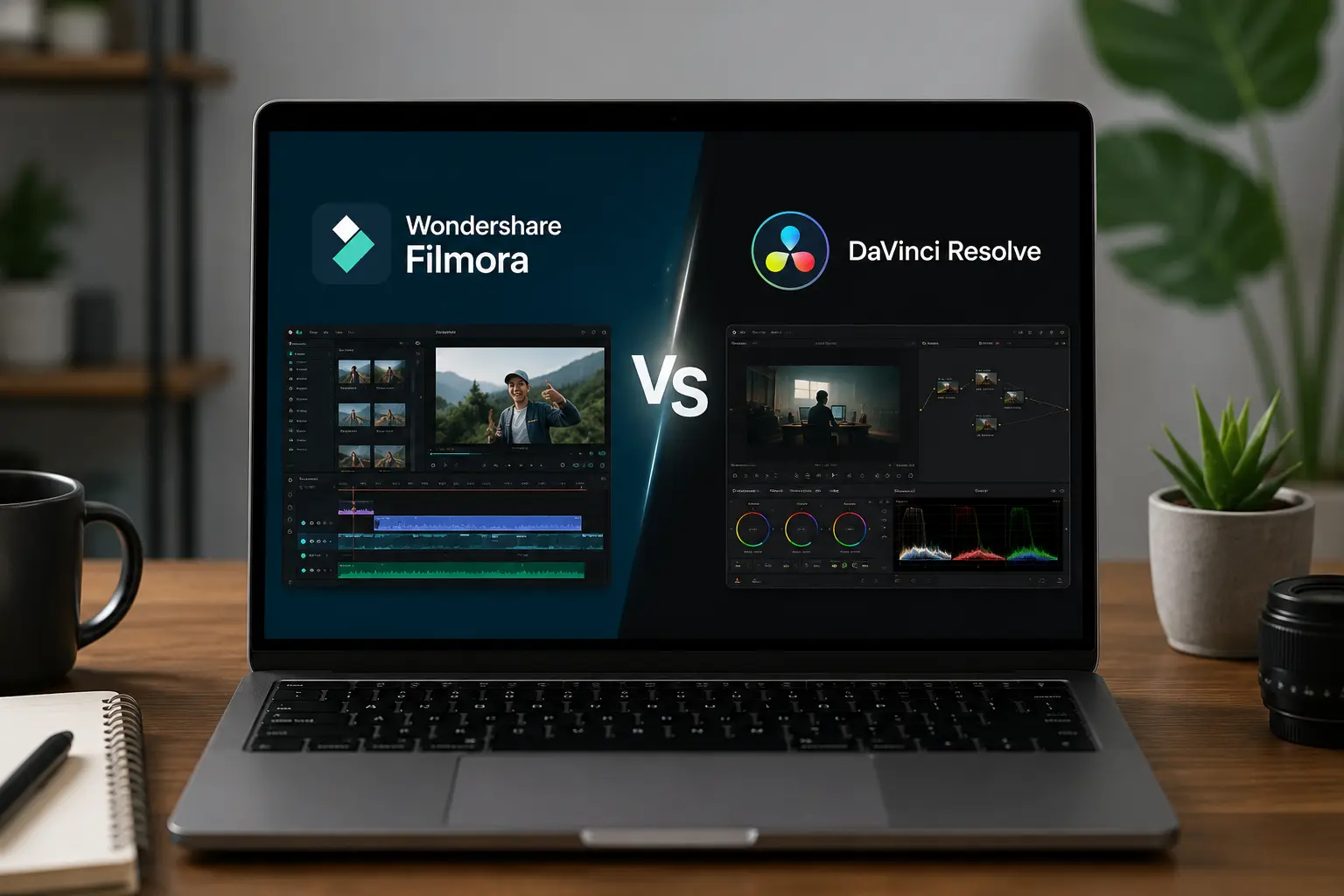
Which Is Easier?
This guide compares Filmora and DaVinci Resolve in terms of usability, features, pricing, and practical applications so organizations and creators can choose the best video editing solution.
If you are exploring Wondershare tools for professional use, you can also read our Complete Guide to Wondershare Software for Businesses & Institutions in India, which explains how companies and educational institutions use software like Filmora and PDFelement.
Overview of Filmora and DaVinci Resolve
Before comparing the tools in detail, it is helpful to understand their primary purpose.
What Is Wondershare Filmora?
Filmora is a video editing software developed by Wondershare. It is designed to make video editing simple and accessible for beginners, businesses, educators, and content creators.
Filmora combines a user-friendly interface with powerful editing tools that allow users to produce professional-quality videos without extensive technical knowledge.
Some common uses of Filmora include:
- marketing videos
- YouTube content
- social media videos
- training tutorials
- educational video content
Filmora is widely used in colleges and training institutes because students can learn the software quickly. Our article Best Video Editing Software for Colleges in India explains why Filmora is commonly used in media labs and communication programs.
What Is DaVinci Resolve?
DaVinci Resolve is a professional video editing software developed by Blackmagic Design. It is widely known for its advanced color grading capabilities and is used in professional film production and television editing.
The platform includes professional editing tools for:
- advanced color correction
- visual effects
- audio post-production
- multi-camera editing
While DaVinci Resolve offers powerful capabilities, it also requires a higher level of technical expertise compared to beginner-friendly editing tools.
Ease of Use: Filmora vs DaVinci Resolve
Ease of use is often the most important factor when choosing a video editing platform, especially for beginners and organizations with limited editing experience.
Filmora: Designed for Beginners
Filmora focuses heavily on simplicity and usability. Its interface allows users to start editing videos immediately with minimal training.
Key advantages include:
- drag-and-drop editing
- pre-built templates
- simple timeline interface
- ready-to-use transitions and effects
These features make Filmora ideal for:
- small businesses
- marketing teams
- educators
- beginner video editors
Users can create professional videos within minutes, making Filmora one of the most accessible video editing tools available.
DaVinci Resolve: Professional Editing Platform
DaVinci Resolve offers an extremely powerful editing environment, but it comes with a complex interface.
The software includes multiple advanced workspaces such as:
- editing panel
- color grading panel
- visual effects panel
- audio editing tools
While these capabilities are impressive, they can be overwhelming for beginners.
Many users require tutorials or formal training to use the software effectively.
Ease of Learning
Filmora has one of the fastest learning curves among video editing platforms. Beginners can understand the interface within a few hours.
DaVinci Resolve requires more time to learn because of its professional-level editing environment.
For users who want to start editing quickly without technical complexity, Filmora is generally the easier option.
For organizations comparing editing tools, it may also be helpful to read Filmora vs Adobe Premiere Pro – Comparison, which explores how Filmora compares with another professional editing platform.
Feature Comparison
Both Filmora and DaVinci Resolve offer powerful video editing features.
However, the type of features they prioritize is different.
Filmora Features
Filmora focuses on simplicity and creativity.
Key features include:
- drag-and-drop editing
- built-in transitions and effects
- AI tools for editing
- screen recording
- stock music and templates
These features allow creators to produce videos quickly without needing advanced editing knowledge.
DaVinci Resolve Features
DaVinci Resolve focuses on professional post-production.
Advanced capabilities include:
- Hollywood-level color grading
- advanced visual effects
- professional audio editing
- multi-camera editing
- advanced video compositing
These features make the software suitable for professional filmmaking and broadcast editing.
Workflow and Productivity
For organizations that produce regular video content, workflow efficiency is extremely important.
Filmora offers a streamlined editing process that allows users to import footage, edit quickly, and export the finished video in a short time.
DaVinci Resolve provides more advanced editing control, but the workflow is often slower and more complex for everyday projects.
Businesses that produce marketing content or training videos often prefer tools that allow faster production cycles.
Pricing Comparison
Pricing is another important factor for organizations choosing video editing software.
Filmora offers flexible licensing options, including individual, corporate, and institutional licenses.
This makes the software accessible for small businesses and educational institutions.
Companies that need multiple licenses may benefit from enterprise purchasing models. Our guide Bulk Software Licensing for Companies in India explains how businesses can manage software licensing more efficiently.
DaVinci Resolve offers a free version with basic editing features and a paid studio version with advanced capabilities.
While the free version is attractive, the learning curve can still be challenging for beginners.
Best Software for Businesses
Businesses often need video editing software for marketing campaigns, training materials, and product demonstrations.
Filmora is typically better suited for these tasks because it allows teams to produce professional videos quickly without requiring expert editors.
Its intuitive interface and built-in templates make it especially useful for marketing teams and communication departments.
Best Software for Educational Institutions
Educational institutions need video editing tools that students can learn quickly while still producing high-quality content.
Filmora is widely used in colleges because it provides professional capabilities without overwhelming beginners.
Students can focus on creativity and storytelling rather than complex technical editing workflows.
When to Choose Filmora
Filmora is the best choice when:
- you are new to video editing
- your team needs quick video production
- you want affordable software
- your organization produces marketing or training videos
When to Choose DaVinci Resolve
DaVinci Resolve is better suited for:
- professional video editors
- filmmakers and production studios
- advanced color grading workflows
- high-end video production projects
Need Help Choosing the Right Filmora License?
Organizations planning to deploy video editing software across teams should ensure they choose the correct licensing model.
Working with an authorized distributor helps businesses obtain genuine licenses, proper documentation, and activation support.
Flying Stars is an authorized Wondershare distributor that helps companies and institutions across India purchase genuine Wondershare software licenses.
From corporate deployments to institutional licensing, the Flying Stars team assists organizations in selecting the right Wondershare products and managing software activation smoothly.
Final Verdict: Filmora vs DaVinci Resolve
Both Filmora and DaVinci Resolve are powerful video editing platforms, but they are designed for different audiences.
DaVinci Resolve is a professional-grade editing tool widely used in film production and advanced post-production workflows.
Filmora, on the other hand, focuses on accessibility and efficiency, making it ideal for beginners, businesses, educators, and content creators.
For most organizations that need fast and efficient video production, Filmora offers the best balance of features, usability, and affordability.
Companies planning to adopt Filmora across teams should also ensure they purchase licenses through trusted partners. Working with authorized distributors helps organizations obtain genuine software licenses and reliable deployment support.
FlyingStars supports businesses and institutions across India with official Wondershare licensing solutions, helping organizations adopt tools like Filmora smoothly and efficiently.
By combining the right software with the right licensing partner, companies can focus on creating impactful video content while maintaining secure and compliant software deployments.