Media and Communication Courses
Students enrolled in media and communication programs often create documentaries, interviews, and news-style video reports. Video editing software helps them assemble footage, add audio, and produce polished content.
30 Apr 2026
Video content has become an essential part of modern education. Colleges and universities across India are increasingly incorporating video production into their academic programs. From media studies and journalism courses to marketing and communication training, students are now expected to understand the fundamentals of video editing.
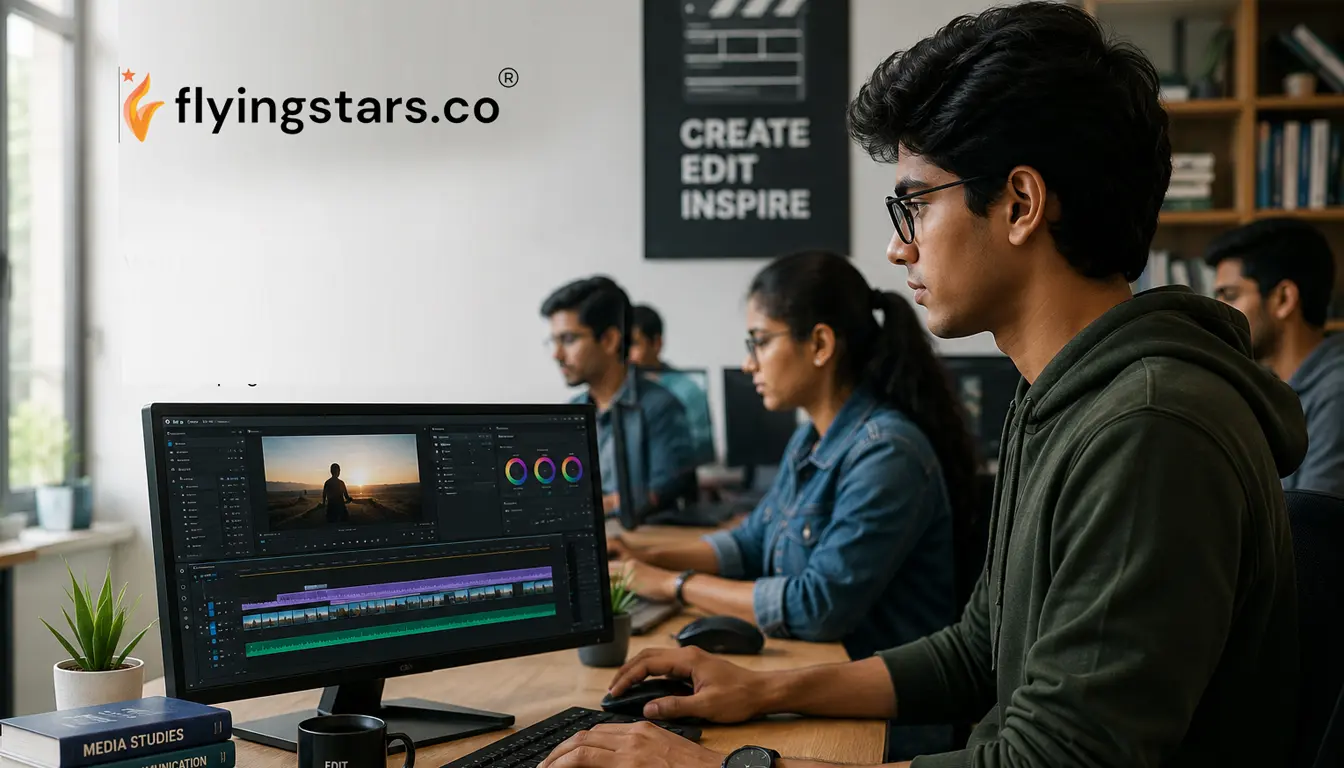
As a result, educational institutions need reliable video editing software that is easy to learn, affordable, and capable of producing professional-quality results. Choosing the right software is important because students should be able to focus on creativity and storytelling rather than struggling with overly complex editing tools.
In this guide, we explore the best video editing software for colleges in India, comparing popular platforms such as Wondershare Filmora, Adobe Premiere Pro, and DaVinci Resolve. We also explain which tools are most suitable for educational environments and why many institutions are choosing simpler editing platforms.
If you want to understand how Wondershare software is used across organizations and institutions, you can also read our Complete Guide to Wondershare Software for Businesses & Institutions in India, which explores the broader ecosystem of tools like Filmora and PDFelement.
Video editing software has become an important part of modern academic programs. Students studying journalism, digital media, filmmaking, communication, and marketing frequently need to produce video projects.
Educational institutions use video editing tools for several purposes.
Students enrolled in media and communication programs often create documentaries, interviews, and news-style video reports. Video editing software helps them assemble footage, add audio, and produce polished content.
Colleges increasingly produce digital learning materials such as recorded lectures, tutorial videos, and online training modules. Editing software helps educators create engaging learning content for students.
Many courses now include video presentations and multimedia assignments. Editing software allows students to combine visuals, narration, and effects to create professional projects.
Universities often produce promotional videos, campus event coverage, and student documentaries. Video editing tools help campus media teams create high-quality content.
Because of these requirements, colleges need software that balances professional features with ease of use.
Filmora is a user-friendly video editing software developed by Wondershare. It is designed for beginners, educators, marketing teams, and small businesses that want professional-quality videos without the complexity of advanced editing platforms.
Filmora offers a simple drag-and-drop interface, built-in templates, AI-powered editing tools, and a large library of transitions and effects.
Because of its simplicity and affordability, Filmora is widely used for:
Educational institutions also prefer Filmora because it allows students to learn video editing quickly. Our article Best Video Editing Software for Colleges in India explains why Filmora is widely used in academic media labs.
Before selecting a video editing platform, educational institutions should evaluate several important factors.
Students typically have limited prior experience with video editing. Software should therefore have a simple interface and intuitive workflow.
Platforms with complicated interfaces can slow down learning and reduce productivity.
Budget is another important factor for universities and colleges. Institutions often need multiple licenses for computer labs and student workstations.
Affordable licensing options make it easier for colleges to deploy software across departments.
For institutions that need multiple software licenses, our article Bulk Software Licensing for Companies in India explains how organizations can manage multi-user software deployments efficiently.
While simplicity is important, the software should still offer enough features for students to produce high-quality videos.
Features such as transitions, audio editing, color adjustments, and text overlays are essential for most academic projects.
Several video editing tools are widely used in educational institutions. Each platform has its own advantages and limitations.
Wondershare Filmora has become one of the most popular video editing tools in colleges and universities.
The software is designed specifically for users who want professional-quality results without the complexity of advanced editing platforms.
Filmora offers several advantages for educational environments.
The software uses a drag-and-drop editing interface that allows students to learn the basics of video editing quickly
Filmora includes a large library of transitions, effects, and music tracks that students can use in their projects.
Modern versions of Filmora include AI-powered tools that simplify tasks such as subtitle generation and background removal.
Filmora offers flexible licensing options that make it accessible for educational institutions.
Many colleges choose Filmora because it allows students to focus on storytelling and creativity rather than technical complexity.
For a deeper comparison between Filmora and other editing tools, you can read Filmora vs Adobe Premiere Pro – Comparison.
Adobe Premiere Pro is one of the most powerful video editing platforms available today. It is widely used by professional filmmakers and production studios.
Premiere Pro offers advanced editing features including:
Despite its capabilities, Premiere Pro can be challenging for students.
The interface is complex, and beginners often require training before they can use the software effectively.
Additionally, the subscription pricing model can become expensive for institutions that need multiple licenses.
DaVinci Resolve is another popular video editing platform, particularly known for its advanced color grading capabilities.
DaVinci Resolve offers professional-level editing features used in film production.
The software includes powerful tools for:
Like Premiere Pro, DaVinci Resolve has a steep learning curve. Students who are new to video editing may find the interface overwhelming.
For a full comparison between these two tools, you can read Filmora vs DaVinci Resolve – Which Is Easier?
While all three tools are powerful, Filmora is often the most practical option for educational institutions.
The main reason is simplicity. Students can start editing videos immediately without spending weeks learning complex software interfaces.
Filmora also provides enough professional features to support creative projects, making it an excellent balance between usability and capability.
In addition to ease of use and powerful features, Wondershare Filmora offers several practical advantages that make it ideal for educational institutions in India.
Filmora is a lightweight application that runs smoothly on standard college lab systems. Unlike heavy editing software, it does not require high-end hardware, making it easier for institutions to deploy across multiple computers.
Unlike subscription-based tools such as Adobe Premiere Pro, Filmora offers a perpetual license option. This allows colleges to make a one-time purchase instead of paying recurring monthly fees, which helps in long-term budget planning.
Filmora is significantly more affordable than many professional editing tools. In many cases, institutions can save up to 70% in software costs compared to Adobe solutions. This makes it easier to provide access to more students without increasing budget pressure.
Educational institutions benefit from local distributor support in India. With partners like FlyingStars, colleges receive assistance with licensing, deployment, and ongoing support—ensuring smooth software usage.
Filmora also supports batch processing features, which are useful for handling multiple video exports in academic environments such as media labs and student project workflows.
Educational institutions that want to deploy video editing software across labs or departments should consider institutional licensing options.
Bulk licensing allows colleges to install software across multiple systems while maintaining centralized license management.
Institutions that want to understand the purchasing process can read How to Buy Wondershare Corporate License in India, which explains how organizations can acquire software licenses efficiently.
Selecting the right video editing software for an educational institution requires careful planning. Colleges must consider factors such as the number of users, computer lab deployments, and licensing requirements.
Working with an authorized distributor can simplify this process.
FlyingStars is an authorized Wondershare distributor that helps educational institutions across India purchase genuine Wondershare software licenses. The team assists universities and colleges with selecting the correct license type, managing activation, and coordinating software deployment.
Video editing is now an essential skill for students in media, communication, and marketing programs. Colleges therefore need software that allows students to learn quickly while still producing professional-quality projects.
While advanced platforms such as Adobe Premiere Pro and DaVinci Resolve offer powerful capabilities, they can be difficult for beginners to learn and may require significant training.
Wondershare Filmora provides a more accessible solution. Its intuitive interface, built-in effects, and affordable licensing options make it an excellent choice for educational environments.
Many colleges across India are adopting Filmora because it allows students to focus on creativity rather than technical complexity.
Institutions that want to deploy Filmora across departments should also ensure they obtain genuine software licenses through authorized partners. Working with trusted distributors helps colleges receive proper documentation, activation support, and institutional licensing guidance.
FlyingStars supports educational institutions and organizations across India with official Wondershare licensing solutions, helping colleges adopt tools like Filmora efficiently and securely.
By choosing the right video editing software and the right licensing partner, universities can equip students with valuable digital media skills for the modern world.