30 Apr 2026
Filmora vs Adobe Premiere Pro: Complete Comparison Guide (2026)
If you’re searching for:
- What is Filmora?
- Is Filmora good for beginners?
- Best video editing software for beginners in 2026?
- Is Filmora worth buying?
You likely want something simple, affordable, and powerful enough to create professional-looking videos, without spending months learning complicated software.
This guide answers exactly that.
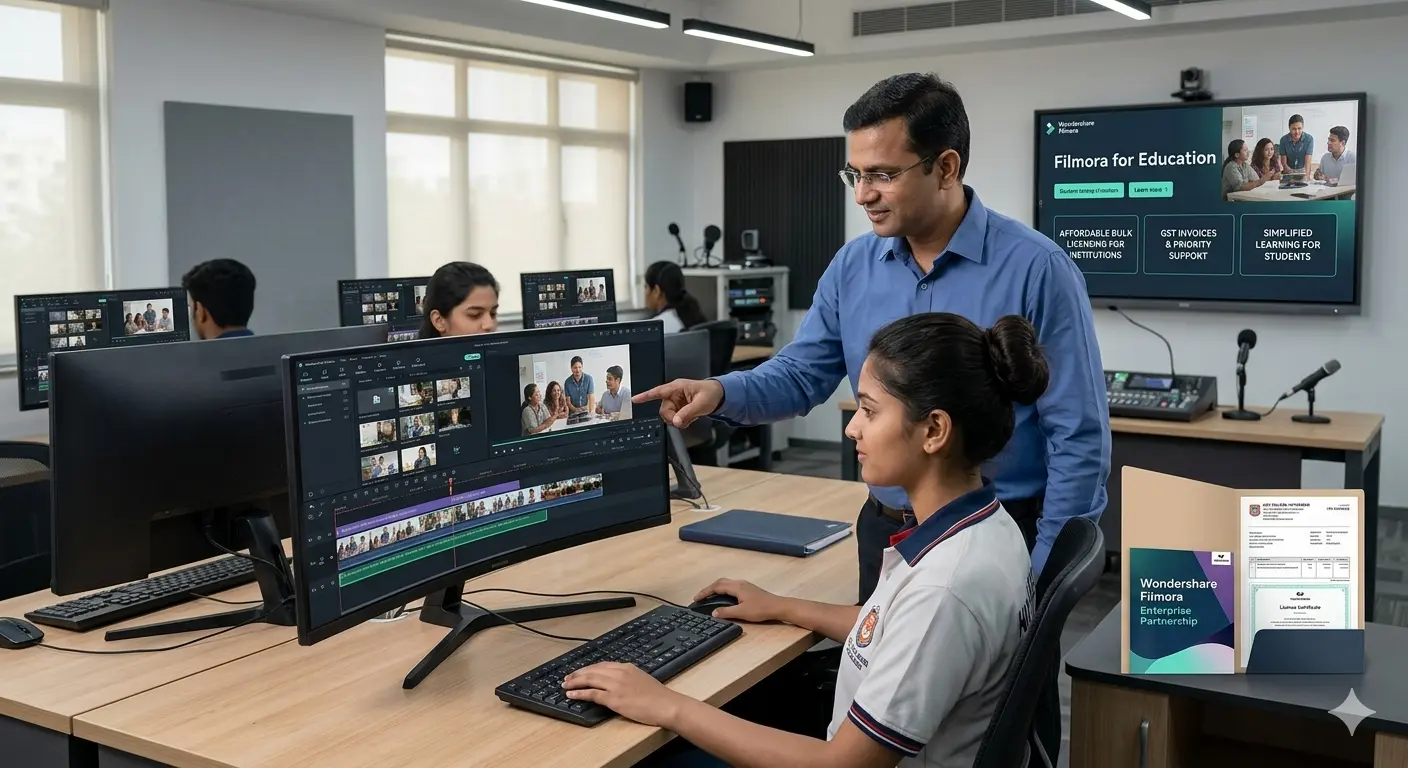
Filmora vs Adobe Premiere Pro: Complete Comparison Guide (2026)
Choosing the right video editing software is one of the most important decisions for creators, students, businesses, and institutions.
If you are comparing Filmora vs Adobe Premiere Pro, you are likely trying to answer one of these questions:
- Which software is easier to use?
- Which one offers better features?
- Is Premiere Pro worth the higher cost?
- Can Filmora deliver professional-quality results?
- Which is better for students and institutions?
Both tools are powerful, but they serve different audiences.
This detailed comparison will help you understand their differences across usability, features, performance, pricing, learning curve, and long-term value so you can make the right decision in 2026.
Quick Overview
| Category | Wondershare Filmora | Adobe Premiere Pro |
| Best For | Beginners, Students, SMBs | Professional Editors, Studios |
| Learning Curve | Low | High |
| Interface | Clean & Simple | Advanced & Technical |
| Pricing Model | Affordable Plans | Subscription Only |
| Hardware Requirements | Moderate | High |
| Ecosystem Integration | Standalone Focus | Deep Adobe Ecosystem |
Now let’s break everything down in detail.
1. Ease of Use: Simplicity vs Professional Depth
Wondershare Filmora
Filmora is designed for accessibility.
Its interface includes:
- Drag-and-drop timeline
- Pre-built templates
- Clearly labeled tools
- One-click export options
Even users with no editing background can begin creating videos immediately.
The workflow is straightforward:
Import → Edit → Add Effects → Export.
This makes Filmora ideal for:
- Students
- Content creators
- Marketing teams
- Educational institutions
There is minimal technical barrier.
Adobe Premiere Pro
Premiere Pro is designed for professional production environments.
It includes:
- Multi-track editing timelines
- Advanced color grading (Lumetri panel)
- Professional audio mixing
- Customizable workspaces
- Complex sequence management
While extremely powerful, it can feel overwhelming for beginners.
Most users need:
- Online tutorials
- Structured training
- Practice time
Ease of Use Verdict
If you are new to editing, Filmora is significantly easier.
If you are already trained or working in professional production, Premiere Pro offers deeper control.
2. Feature Comparison: What Do You Actually Get?
Both tools offer standard editing capabilities:
- Cutting and trimming
- Transitions
- Text overlays
- Audio editing
- Export in multiple formats
The difference lies in feature depth and complexity.
AI & Smart Editing Tools
Filmora’s Advantage
Filmora includes accessible AI-powered tools such as:
- Auto subtitles
- AI background removal
- Silence detection
- Text-to-speech
- Smart cutout
These features simplify editing and save time.
They are designed for speed and ease of use rather than technical customization.
Premiere Pro’s AI Tools
Premiere Pro uses Adobe Sensei AI for:
- Scene edit detection
- Auto reframe
- Color matching
- Speech-to-text transcription
These features are powerful but often embedded within more complex workflows.
They are optimized for professional editing pipelines.
3. Advanced Editing Capabilities
Premiere Pro Strengths
Premiere Pro excels in:
- Multi-camera editing
- Advanced color grading
- Proxy workflows for large files
- Deep timeline precision
- Industry-standard format support
- Integration with After Effects for visual effects
These tools are essential for:
- Film production
- Television broadcasting
- Commercial production studios
Filmora’s Advanced Tools
Filmora includes:
- Motion tracking
- Keyframing
- Green screen editing
- Split-screen templates
- Audio enhancement tools
For most online creators, small businesses, and institutions, these tools are more than sufficient.
However, for cinema-level production, Premiere Pro provides more granular control.
4. Performance & System Requirements
Hardware requirements can influence institutional decisions.
Filmora
Filmora runs smoothly on:
- 8–16GB RAM systems
- Standard GPUs
- Mid-range laptops
- College computer labs
It does not require workstation-level hardware.
This makes it cost-effective for institutions deploying multiple licenses.
Premiere Pro
Premiere Pro performs best with:
- 16–32GB RAM
- Dedicated high-performance GPU
- High-end processors
- Large storage capacity
Editing 4K or higher resolution footage requires robust systems.
For institutions, this may mean upgrading infrastructure.
Lightweight Software vs High-End System Dependency
Another key difference is system dependency.
Filmora:
- Lightweight and optimized for mid-range systems
- Works efficiently on standard laptops
- Suitable for classrooms and general users
Adobe Premiere Pro:
- Requires high-performance hardware
- Often needs GPU-intensive systems
- Higher infrastructure cost for institutions
This makes Filmora more accessible for a wider range of users.
5. Pricing Comparison: Long-Term Cost Impact
Wondershare Filmora Pricing
Filmora offers:
- Affordable annual plans
- Perpetual license options (in some regions)
- Volume licensing for institutions
It is accessible for:
- Students
- Small businesses
- Colleges
- Training centers
Lower upfront and renewal costs make it scalable.
Adobe Premiere Pro Pricing
Premiere Pro is available through Creative Cloud subscription only.
You must pay:
- Monthly or annual subscription
- Per user
For individual professionals, this is manageable.
For institutions with 20–100 systems, subscription costs add up significantly over time.
Pricing Snapshot
| Factor | Filmora | Premiere Pro |
| Subscription Required | Optional in some plans | Yes |
| Institutional Licensing | Flexible | Limited |
| Long-Term Cost | Lower | Higher |
| Budget Friendly for Colleges | Yes | Often Expensive |
6. Learning Curve & Training Investment
Training time equals cost.
Filmora
- Quick onboarding
- Minimal faculty training
- Easy classroom implementation
- Ideal for beginners
Students can start producing videos within days.
Premiere Pro
- Requires structured training
- Advanced technical terminology
- Longer mastery timeline
Film schools benefit from this depth, but general colleges may find it excessive.
7. Integration & Ecosystem
Premiere Pro Ecosystem
Premiere Pro integrates seamlessly with:
- After Effects
- Photoshop
- Illustrator
- Audition
This ecosystem benefits professional creative teams.
It allows advanced workflows and collaborative production pipelines.
Filmora’s Approach
Filmora focuses on standalone efficiency.
Users can create professional-looking videos without switching between multiple applications.
For small teams and institutions, this simplicity is an advantage.
Simplified Workflow vs Multi-Tool Dependency
Filmora is designed to reduce complexity.
- Built-in effects, templates, and editing tools
- No need to switch between multiple applications
- Faster project completion
Adobe Premiere Pro often requires:
- After Effects for motion graphics
- Audition for audio editing
- Photoshop for assets
This means users often rely on multiple tools within the Adobe ecosystem.
For beginners and small teams, Filmora’s all-in-one approach simplifies workflows significantly.
8. Real-World Use Cases
Choose Filmora If:
- You are a beginner
- You run a YouTube channel
- You create social media content
- You manage educational labs
- You need affordable bulk licensing
- You want fast editing with minimal complexity
Choose Premiere Pro If:
- You work in film or television production
- You require advanced color grading
- You collaborate in large creative teams
- You need industry-standard workflows
- You depend on Adobe ecosystem integration
9. Institutional Perspective: Which Is Better for Colleges?
Colleges typically prioritize:
- Affordability
- Ease of learning
- Hardware compatibility
- Volume licensing
Filmora aligns strongly with these requirements.
Premiere Pro is better suited for:
- Film academies
- Professional production programs
- Advanced media universities
For most general educational institutions, Filmora provides stronger value.
10. Can Filmora Replace Premiere Pro?
For most creators and businesses — yes.
The majority of modern video content includes:
- YouTube videos
- Instagram reels
- Online courses
- Corporate presentations
- Marketing campaigns
Filmora handles all of these effectively.
Premiere Pro becomes essential when projects require:
- Cinema production
- Broadcast-level standards
- Advanced VFX workflows
- Large-scale collaborative editing
Conclusion
The comparison between Filmora and Adobe Premiere Pro is not about which software is better overall.
It is about which software is better for you.
Filmora prioritizes simplicity, accessibility, and affordability.
Premiere Pro prioritizes professional depth, industry workflows, and advanced production control.
If you are:
- A beginner
- A student
- A college administrator
- A small business owner
- A marketing team
Filmora likely offers the best balance of power and usability.
If you are:
- A professional film editor
- Working in broadcast or cinema
- Managing large collaborative creative teams
Premiere Pro remains a strong industry-standard solution.
Understanding your goals, budget, and technical requirements will help you choose wisely.